Setting up RSS in Firefox
First, click on the orange square RSS symbol in the address window.

Click on the orange RSS symbol.
You’ll see this – click on “Subscribe Now”.

Click on "Subscribe Now".
Next you’ll have a choice where to keep the bookmark. I recommend the Bookmarks Toolbar.
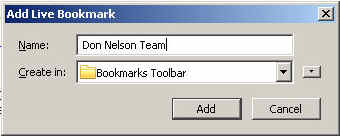
Click the "Add" button.
When you go to Bookmarks, you’ll see the Toolbar with your RSS choices.

All your RSS feeds show here.
Finally, when you choose your site, you’ll see all the current article content like this:
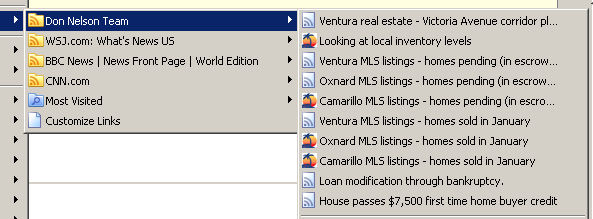
All the current content.
Have fun!