What’s RSS? (It’s great!)
RSS means “Really Simple Syndication”, but it’s much cooler than that.
First, you probably go to various websites to check on stuff that’s of interest to you – news about Paris Hilton (just kidding…), sports, etc. This takes time. All you really want is the new stuff.
So RSS brings the content to you. That’s the difference from your old way. RSS is fast and efficient. If you use Internet Explorer 7 (not the old 6 version) or popular browers like Firefox, I show you how to quickly set it up.
When you go to Favorites (IE) or Bookmarks (Firefox), you’ll see the new content each day.
Another very popular way to get updated content is via email. A Google site called Feedburner lets you set it up easily – very nice and handy. Simply fill in your email (back on our right side column), and click the “Subscribe” button.
You’ll be taken to a pop-up window like this:
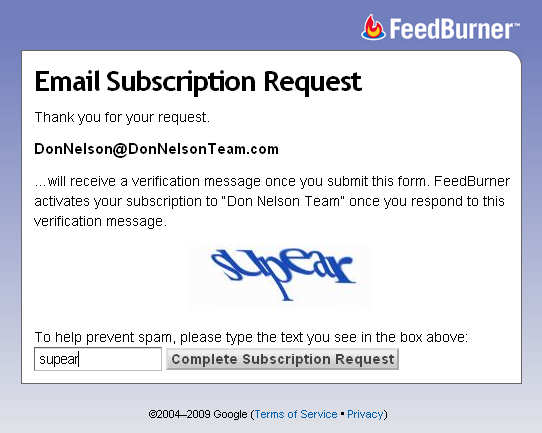
To prevent spam, you’ll need to look closely and type in the scrolly text you’ll see. Sometimes they’re tough to make out – but don’t worry, Google will give you another chance if you don’t get it right the first time.
You’ll then be sent an email from Feedburner with a note from us and a link to activate. When you click on that link, you’ll see this:
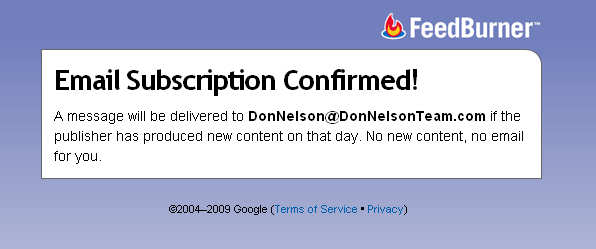
That’s it! Have fun and check it out!